Upgrading your DISGENET account allows you to access the full database, as well as additional features and functionalities that will enhance your research.
Here's how to upgrade to Standard or Advanced Academic Plan:
1. Log in to your DISGENET account.
2. Click Pricing in the top navigation menu.
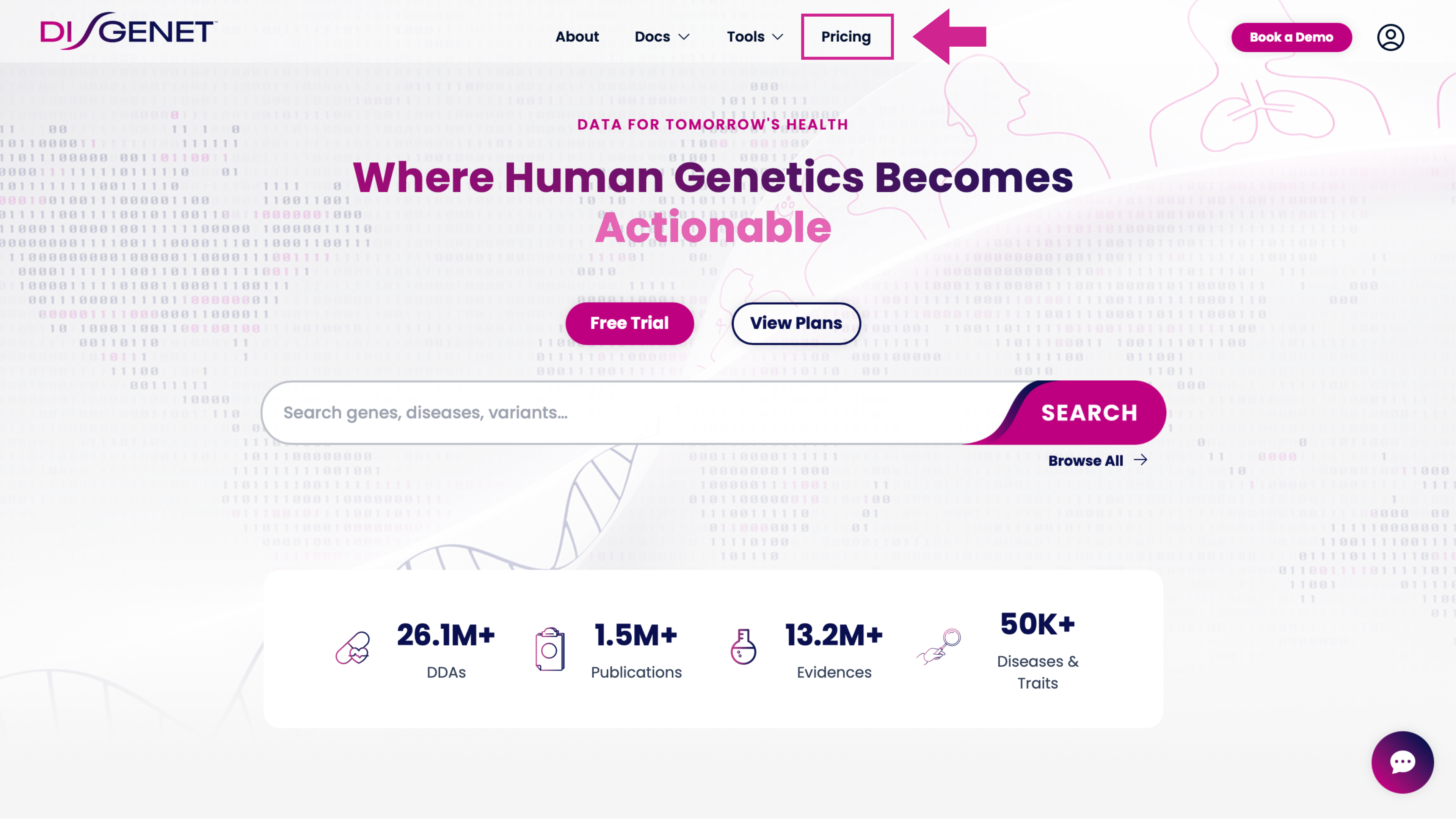
3. You'll be taken to the plan comparison page, where you can review all available plans and pricing.
4. Select the plan you'd like to upgrade to, and complete your purchase directly online.
Was this article helpful?
That’s Great!
Thank you for your feedback
Sorry! We couldn't be helpful
Thank you for your feedback
Feedback sent
We appreciate your effort and will try to fix the article